

Your Old PC Still Works but Feels Slow:
3 October 2026 · by FTDS HARDWARE
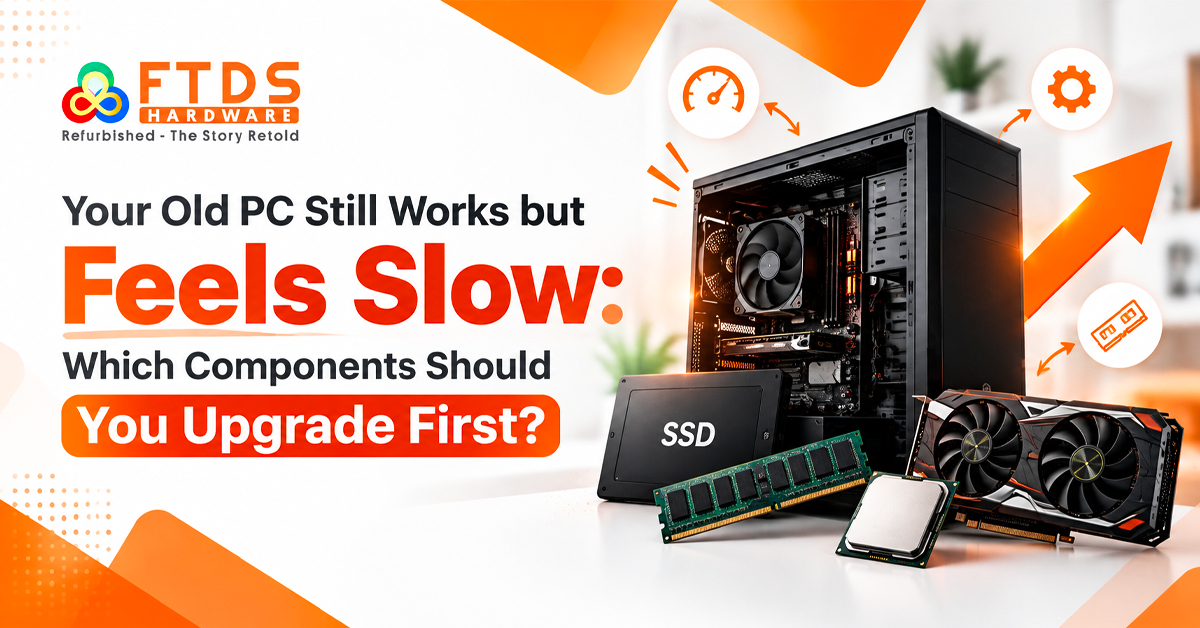
Long boot times, delayed application loading, freezes, and weak gaming performance do not always mean replacing the whole computer. Start by identifying the performance bottleneck, then upgrade the PC components that are actually limiting performance.
How to Start a PC Upgrade in Chennai
If you are planning a PC upgrade in Chennai, start by checking the system with basic hardware diagnostics.Use Task Manager during normal work to observe CPU usage, RAM consumption, and drive activity.
Connect the symptom to the likely cause:
- Slow startup and application loading often indicate storage speed.
- Frequent memory pressure suggests limited RAM capacity.
- Processor-heavy work exposes CPU performance limits.
- Games and 3D applications depend heavily on GPU performance.
Computer Upgrade in Chennai: Check the Problem Before You Buy
Before choosing parts, make sure your computer upgrade in Chennai is based on hardware compatibility rather than specifications alone. Check motherboard compatibility, CPU socket, RAM compatibility, PCIe slot, storage interface, and system requirements before selecting a component.Checking these details before buying helps you compare computer upgrade in Chennai options without replacing components that are still working properly. Choosing an affordable computer upgrade in Chennai can also help you keep the components that are still performing well instead of replacing the entire system.
PC Upgrade in Chennai: When Should You Upgrade the RAM?
Multitasking problems may begin with memory limits. Limited system RAM makes Windows rely more heavily on storage when browsers, spreadsheets, editing software, and communication tools are open.
A RAM upgrade in Chennai can improve system responsiveness when available memory is consistently close to its limit. Confirm whether the motherboard supports DDR4 RAM or DDR5 RAM and its maximum capacity.
RAM Upgrade in Chennai for Better Multitasking
Consider a RAM upgrade in Chennai if applications frequently reload, switching between windows feels delayed, or memory usage stays consistently high.
For practical memory planning, verify:
- DDR generation and supported speeds
- Maximum RAM capacity
- Available DIMM slots
- Compatibility with existing modules
This creates room for future system upgrades.For everyday work, a RAM upgrade in Chennai should prioritize sufficient capacity over memory speeds that the system cannot fully use.Choosing the right specifications for a RAM upgrade in Chennai also helps maintain smoother multitasking.
SSD Upgrade in Chennai: Fix Slow Boot and Loading Times
An SSD upgrade in Chennai is often the most noticeable improvement for an older computer using a hard disk drive. A solid state drive provides faster data access.
A SATA SSD works with many older systems through the SATA interface. Newer computers may support an NVMe SSD through a compatible PCIe slot, providing greater storage speed and stronger read and write speeds.
SSD Upgrade in Chennai: Should You Choose SATA or NVMe?
Choosing an SSD upgrade in Chennai is not simply about buying the fastest drive available. For a practical SSD upgrade in Chennai, the drive should match the interface supported by your system. If the motherboard supports only a SATA interface, a SATA SSD may be appropriate.
With an SSD upgrade in Chennai, keeping Windows and frequently used applications on the faster drive can make everyday tasks feel more responsive. A higher-capacity SSD upgrade in Chennai can give you enough space for Windows and frequently used applications while leaving the HDD available for archived files.
A SATA-based SSD upgrade in Chennai can be a practical option for older systems that do not support NVMe storage.
Old PC Upgrade in Chennai: Is Your System Worth Keeping?
When planning an old PC upgrade in Chennai, consider the complete platform rather than looking at one component in isolation.For office systems, an old PC upgrade in Chennai can prioritize reliability and compatibility with the existing hardware.
This helps determine whether the computer can continue meeting your workload requirements instead of judging its remaining usefulness by age alone. For business systems, an old PC upgrade in Chennai can prioritize compatibility with existing components and software.
Old PC Upgrade in Chennai: When Should You Upgrade the CPU or GPU?
An old PC upgrade in Chennai may need a processor upgrade when rendering, compiling, simulation, or other CPU-heavy workloads are limited by the existing CPU. Before replacing either part, identify a CPU bottleneck or GPU bottleneck. Check CPU socket, PCIe compatibility, PSU wattage, and physical space before installation.
PC Upgrade in Chennai: Check Cooling and Power Requirements
Cooling can become more important after a hardware upgrade, particularly when the new component produces more heat under load. Dust, restricted airflow, or an aging CPU cooler may cause thermal throttling under load.
Power also matters. A stronger graphics card can increase power requirements, so confirm PSU wattage and required connectors.
Computer Upgrade in Chennai: Choose Upgrades Based on Your Workload
The right computer upgrade in Chennai depends largely on the tasks you perform on the system. Office users often gain more from RAM and SSD improvements. Gamers should examine graphics performance alongside processor limits before choosing a graphics card.
For a balanced computer upgrade in Chennai, first diagnose the bottleneck, check component compatibility, replace only the limiting part, and then measure the improvement. If several major components are outdated and the motherboard restricts modern options, a broader system replacement may provide a clearer upgrade path.
This also makes future maintenance and component planning much easier.
Which PC Component Should You Upgrade First?
A slow computer does not automatically need full replacement. Start with hardware diagnostics and determine whether storage speed, RAM capacity, CPU performance, GPU performance, temperatures, or power delivery is limiting the machine.
When comparing computer upgrade in Chennai options, focus on compatibility and your actual workload rather than specifications alone. Targeted upgrades can restore responsiveness, while a RAM upgrade in Chennai or SSD upgrade in Chennai may solve everyday slowdowns.For complex cases, an old PC upgrade in Chennai assessment can help determine whether the existing platform is worth extending or whether a broader replacement makes more sense.