

You're Building a Budget Workstation Which Accessories Should You Buy?
26 October 2026 · by FTDS Hardware
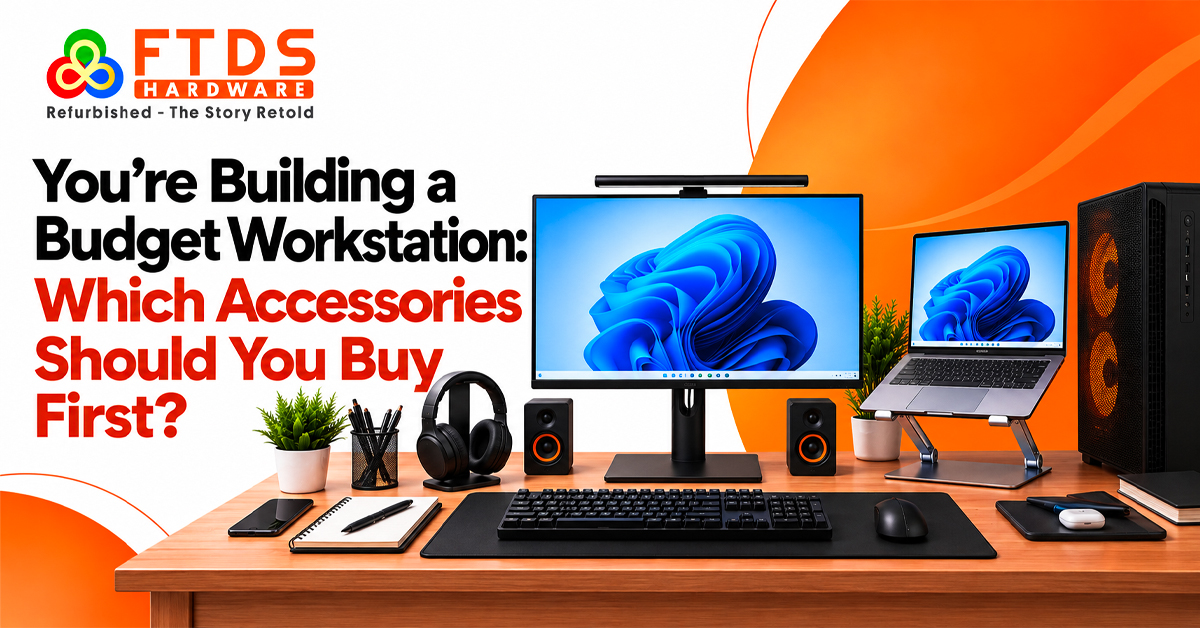
A productive workstation does not require expensive gadgets. A suitable keyboard, mouse, monitor stand and connectivity accessories can improve everyday comfort without exceeding your budget. Whether you handle office work, design projects or online meetings, prioritise products that support your routine.
A sensible budget workstation setup shop chennai helps you find essential peripherals before investing in optional upgrades.
Start with Computer setup accessories for workstation productivity
Identify your primary tasks, such as office work, coding, graphic design or remote meetings. This helps you select Computer setup accessories for workstation use according to your daily requirements.
Prioritise these purchases:
- Keyboard and mouse: Choose comfortable input devices because you use them throughout the working day.
- Monitor riser or stand: Raise the screen to a suitable viewing position and free up desk space.
- Surge-protected power strip: Provide enough power outlets and organise connections.
- USB hub: Add ports when your computer has limited connectivity.
- Headset or webcam: Consider these when online meetings and collaboration are part of your routine.
These purchases provide a practical foundation for a budget workstation setup without unnecessary spending.
Choose PC Build setup accessories in Chennai for workstation comfort
Prioritise a comfortable keyboard and mouse over decorative accessories. Wired keyboards offer a simple connection, while wireless models reduce cable clutter. If you prefer distinct key feedback, consider a mechanical keyboard and check its layout before purchasing.
Choose a mouse that suits your hand size and grip. An ergonomic mouse may suit extended working sessions, while a basic wireless model handles routine office tasks. An extended mouse pad provides space for both input devices.
When comparing affordable computer accessories, prioritise comfort, connectivity and build quality.
Find a PC accessories shop near me for practical essentials
Searching for a pc accessories shop near me lets you examine keyboard comfort, mouse grip and stand stability before purchasing. Ask the seller to demonstrate the products.
If you are comparing a PC accessories shop in Chennai, ask about:
- Supported connections, including USB-A, USB-C and Bluetooth.
- Product dimensions and weight limits for monitor stands.
- Warranty terms and replacement support.
- Compatibility with your desktop, laptop and operating system.
A local PC accessories shop in Chennai can help identify suitable adapters and cables. Carry your computer and monitor model numbers when visiting.
Compare Computer accessories shop near me options for monitor support
A monitor riser raises the screen and creates additional desk space underneath. A monitor arm offers greater positioning flexibility, provided its mounting system supports your display.
A dual monitor stand helps organise two compatible displays. When visiting a pc accessories shop near me, compare stability and adjustment options before choosing.
Build a budget workstation setup in Chennai around connectivity
After arranging your input devices and monitor, consider your connectivity requirements. A USB hub expands available ports, while a USB Type-C hub or docking station can provide additional display and connectivity options depending on the model.
Before buying, check:
- Whether your computer's USB-C port supports video output.
- The number and type of ports you actually need.
- Whether the hub supports your monitor's resolution and refresh rate.
- Whether external power is required for connected devices.
These checks help maintain an organised budget workstation setup store in Chennai without unnecessary adapters or incompatible connections.
Select computer accessories in Chennai for storage and meetings
Use an external SSD for frequently accessed files and transfers, or an external hard drive for larger backups and archives. Maintain a separate copy of important data.
A USB webcam offers flexible camera positioning for online meetings. Headphones for PC or a wired headset support calls in shared spaces, while computer speakers suit general listening. Consider a dedicated microphone for regular presentations or recording.
Visit a pc accessories shop near me to check webcam positioning, headset comfort and speaker dimensions before purchasing.
When should you visit a PC accessories shop in Chennai?
Peripheral requirements vary by profession. Designers may need larger mouse pads, accounts professionals may prefer numeric keypads, and remote workers may prioritise webcams and headsets.
When visiting a PC accessories shop in Chennai, carry your accessory list and confirm product compatibility and included components, especially for docking stations and monitor arms.
Get workstation advice from a PC accessories Store in Chennai
If you are unsure about supported connections or mounting options, consult a PC accessories store Chennai for a compatibility check before purchasing a docking station or dual monitor stand.
Choose Computer accessories for home office setup in Chennai use that support your daily workflow. A laptop accessories shop near me can help clarify product suitability and after-sales support.
Plan affordable Essential desktop accessories without overspending
Divide your budget between essential purchases and optional upgrades. Prioritise accessories that improve comfort or resolve connectivity problems before considering decorative lighting and specialist equipment.
Use this Computer setup essentials buying checklist to organise your spending:
- Buy now: Keyboard, mouse, mouse pad and monitor riser if needed.
- Add later: USB hub, webcam, headset or external storage.
- Optional upgrades: Monitor arm, dual monitor stand, microphone and premium speakers.
Compare affordable computer accessories online and in physical stores by checking total cost, compatibility and service terms instead of focusing only on price.
Make each workstation purchase count
Build your workstation in stages, starting with comfortable input devices before addressing connectivity and storage. Computer setup accessories for workstation Chennai productivity should suit your daily tasks and available connections.
Review your desk dimensions, connections and working habits before purchasing. A PC accessories shop Chennai can help identify suitable peripherals and check compatibility.
The best Essential desktop accessories in Chennai are those that solve practical problems, suit your system and support your daily work. Choose products based on usefulness rather than price alone.